
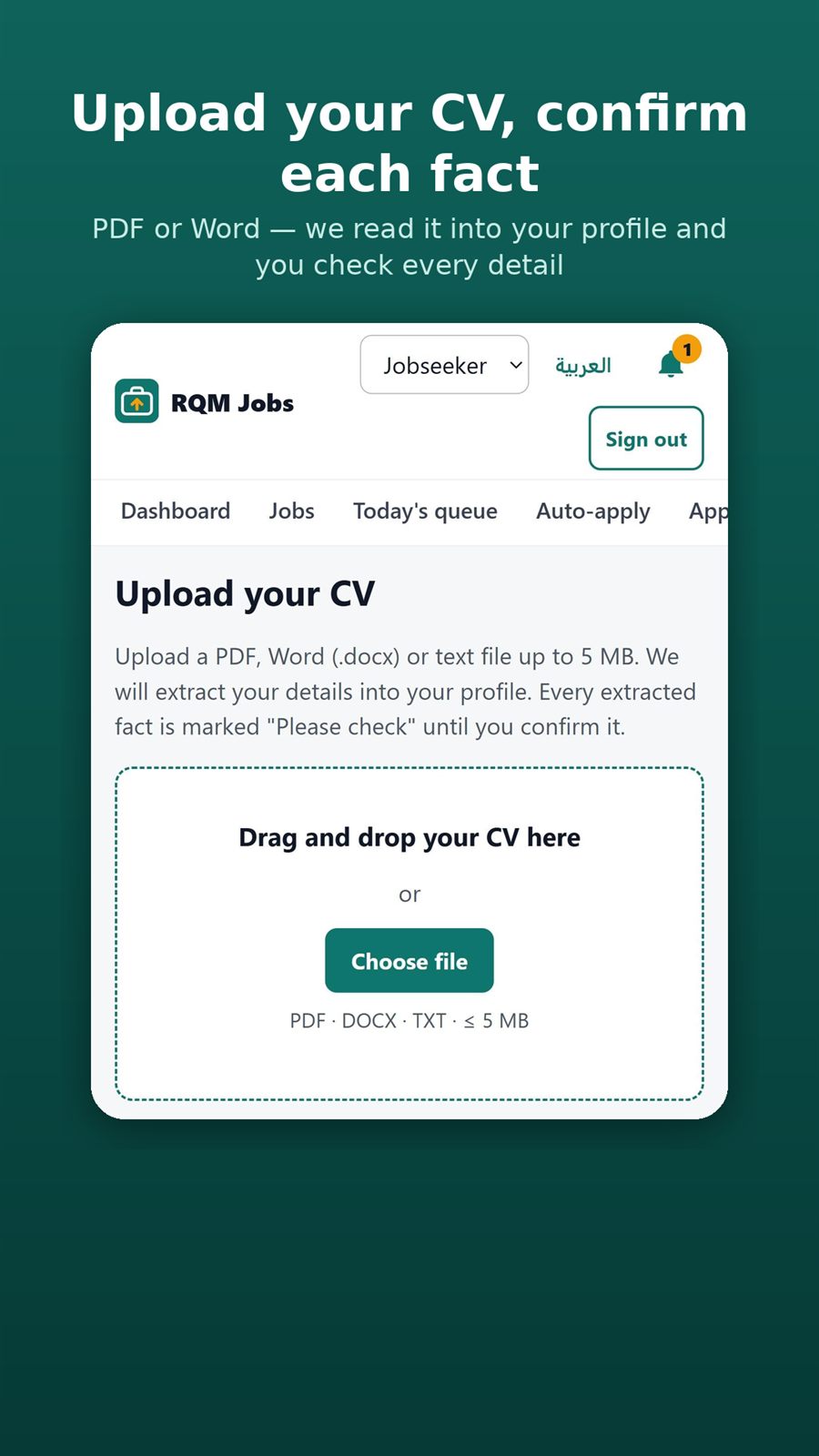
- Open Upload CV at jobs.rqmbooks.com/app/cv.
- Drag your CV onto the page or press Choose file. PDF, DOCX and TXT files up to 5 MB work.
- Wait while it is read. The page shows what was found: experience, education, skills and certifications.
- Press Review and confirm in your profile.
- Every extracted fact is marked Please check until you confirm it. Correct anything wrong, then press Confirm (or Confirm all).