
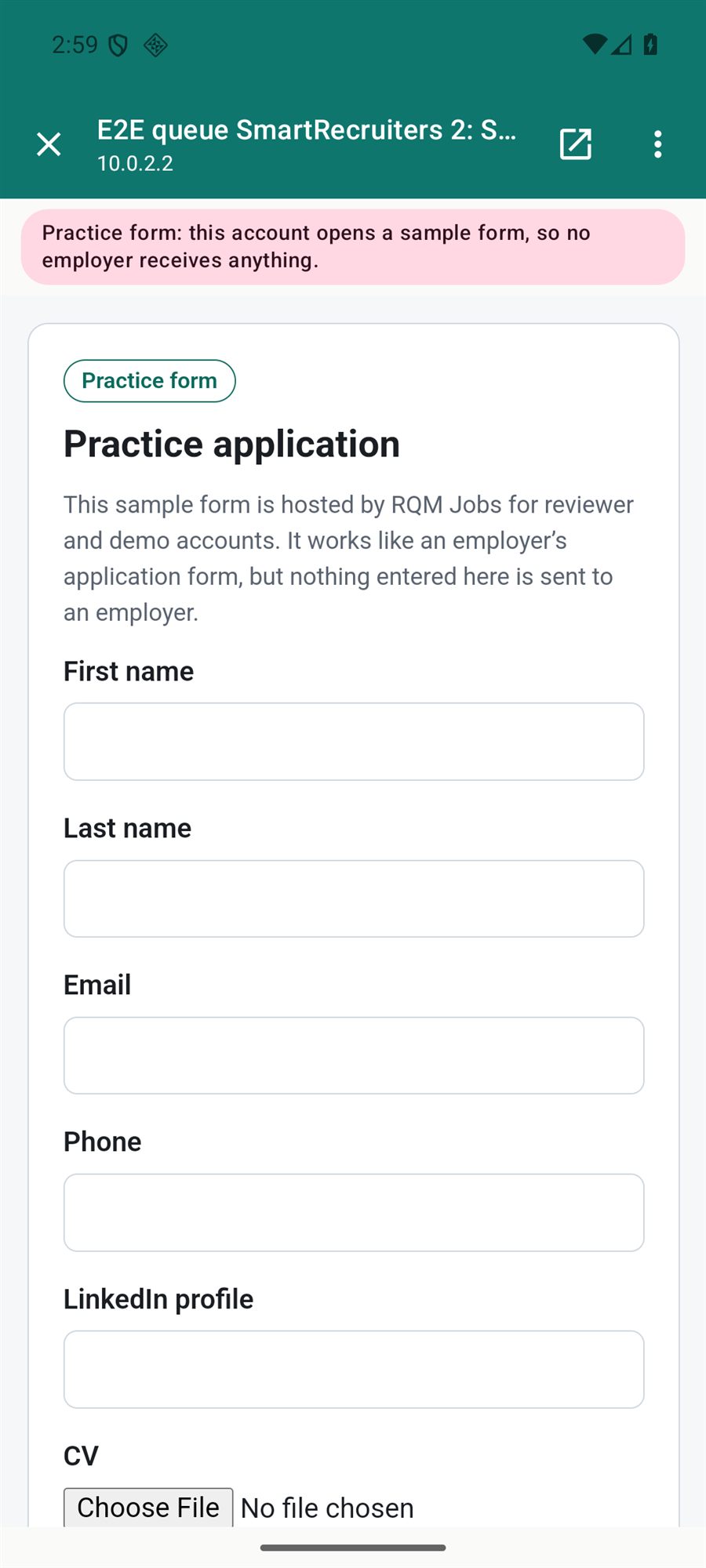
- Open a job with the in-app apply option.
- Choose Apply in app.
- Check the pre-filled name, email, phone and other fields.
- Attach your CV if asked.
- Review the form and press Submit yourself.
Applying & auto-apply
For supported employer sites the application form opens in the app with your details filled in.