
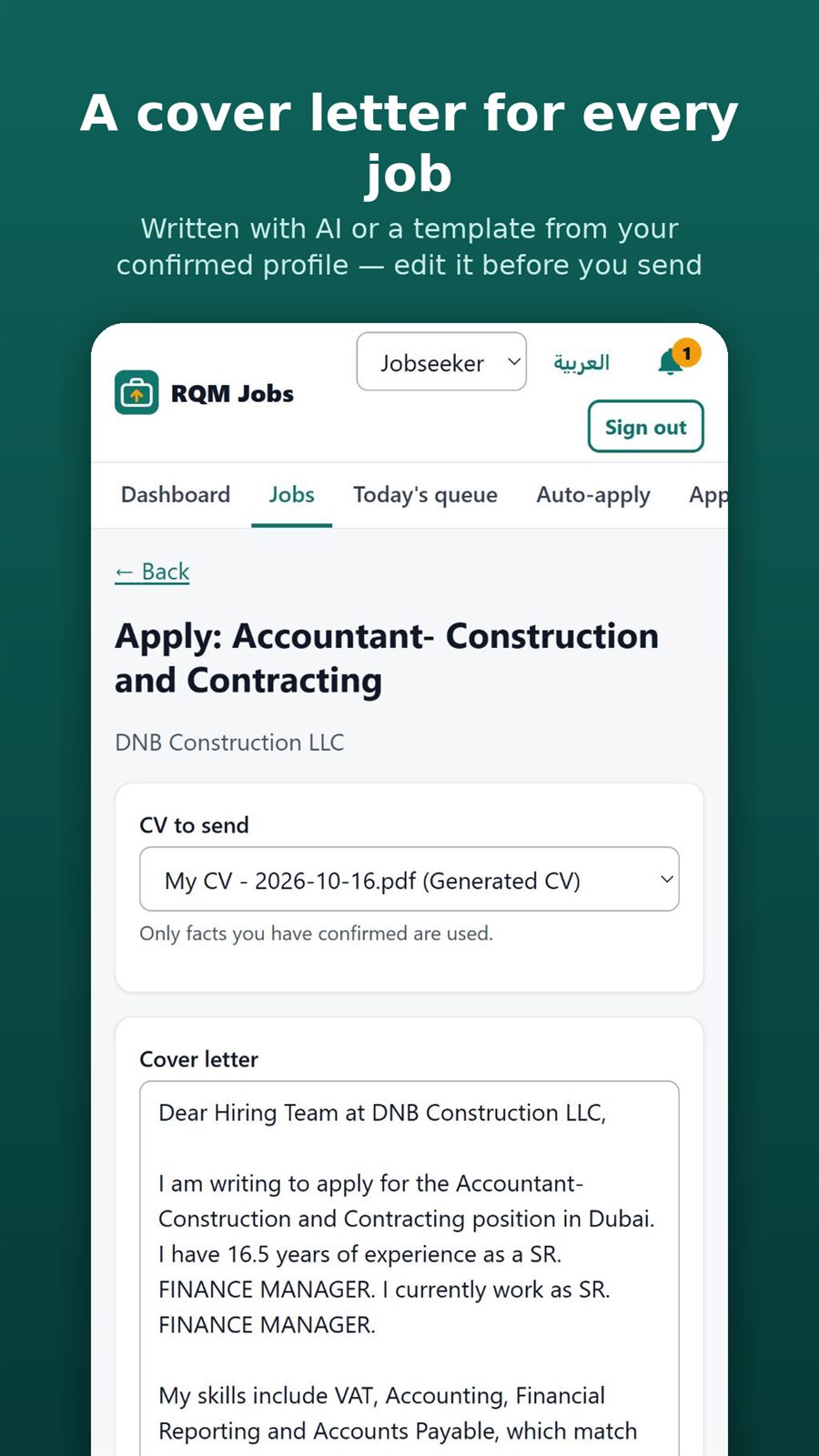
- Open a job and choose Apply.
- Open Cover letter.
- Generate it from your profile and the job details.
- Edit the text to sound like you.
- Save or use it with the application.
Applying & auto-apply
Create a cover letter from your confirmed details for a specific job.